

tUX Microsite International (AUS) Reusable Content 08.2026
Reusable Content Block (RB) Guidelines
The following blocks represent reusable content blocks (RBs) across the different types of tUX microsite page templates.
NOTE: Content Team, be sure to follow brand guidelines and use appropriate spelling, language, and date format needed for International partners.
NOTE: Below is the standard RFI copy. No changes should be needed unless there is a nomenclature change or need to remove the Oxford Comma.
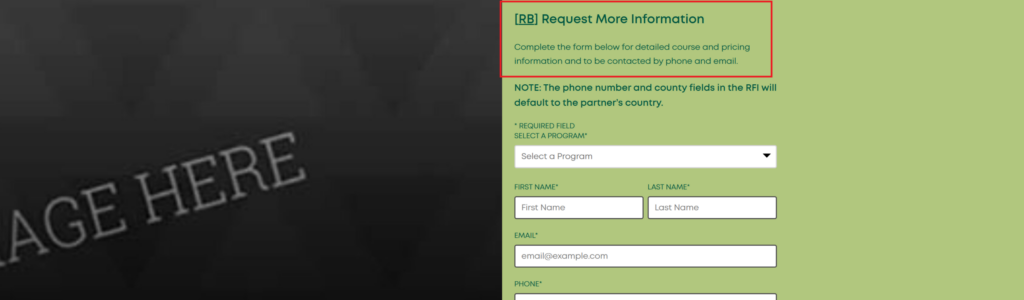
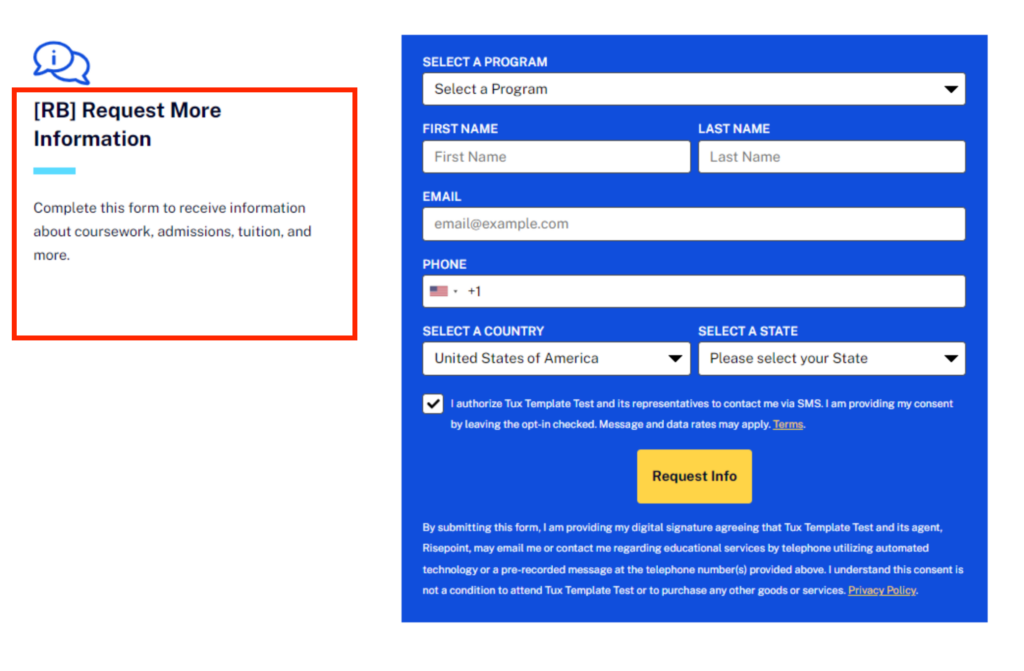
[RB] Request more information
Complete the form below for detailed course information and to be contacted by phone and email.
Visual Examples
Multi-Page: RFI Copy (Right Side)
Multi-Page: RFI Copy (Full Block)
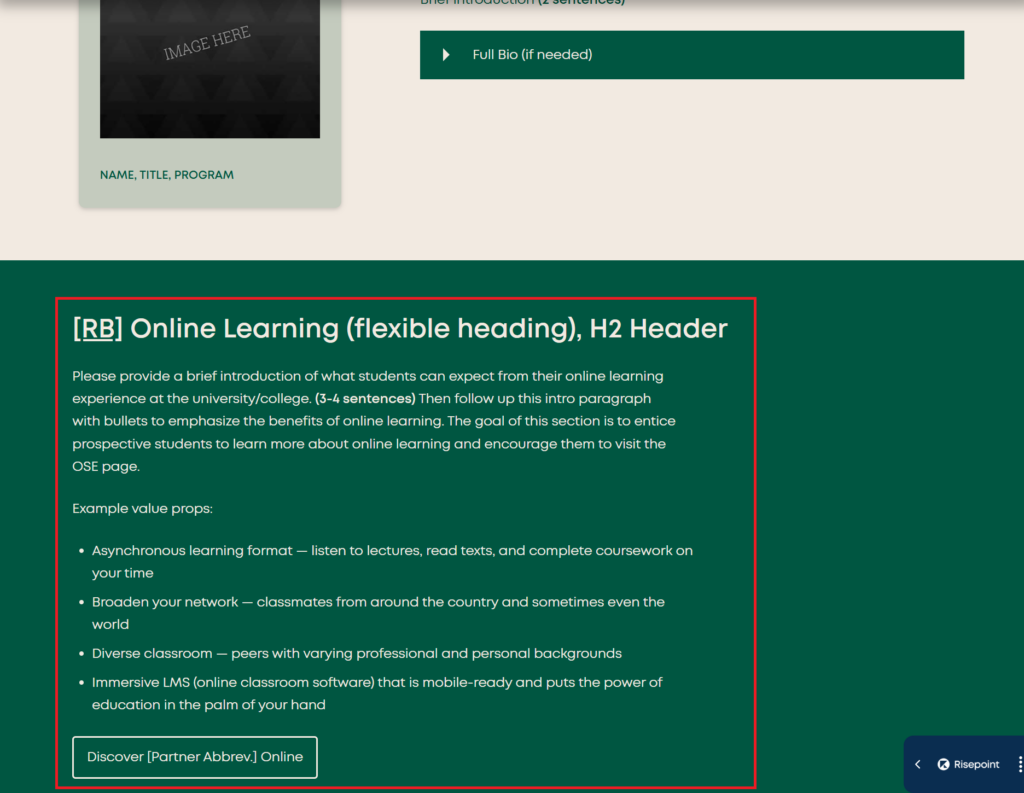
Online Learning RB (Multi-Page: OLE)
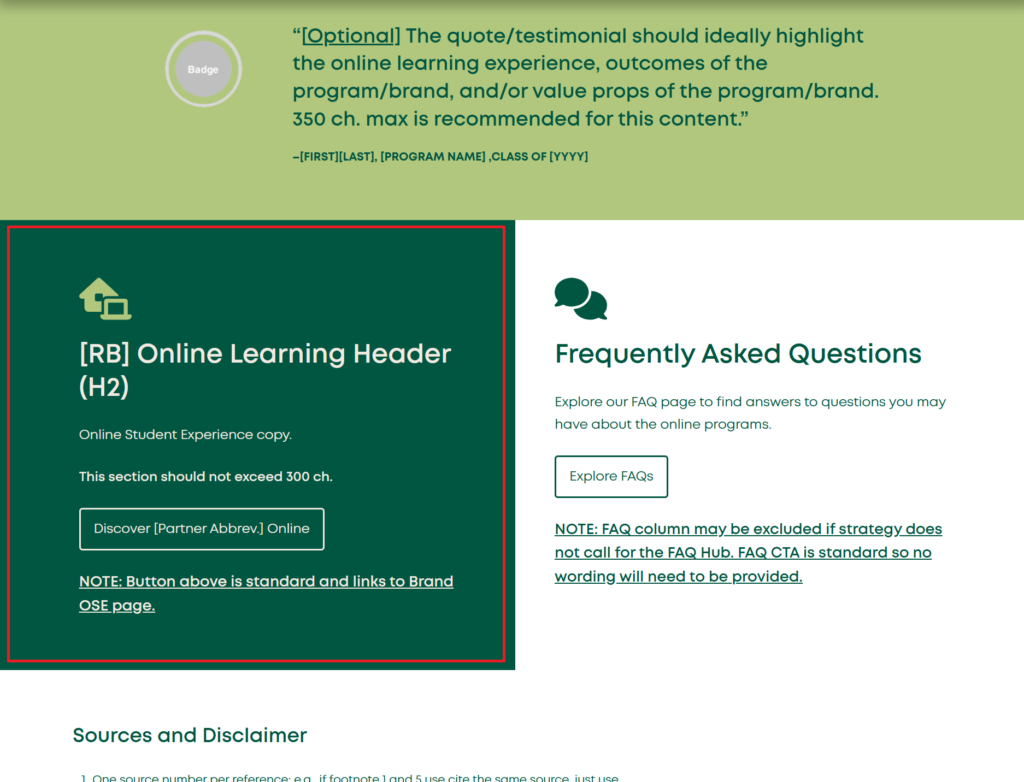
The following Online Learning RB will only need to be written once but will be featured in both the program overviews and the homepage. The format in which the copy is needed for upload does not change.
Return to JumplinksVisual Examples
On program overviews
On homepage
More Information RB
The following More Information RBs will be placed on either the program or short course overviews. Depending on which type of overview this content will be on, the wording will be different.
Return to JumplinksMore Information About This Program
Click on each tab below to learn additional details regarding the program requirements and features.
NOTE: Heading and copy are standard. No copy action required.
More information about this short course
Click on each tab below to learn additional details regarding the course requirements and features.
NOTE: Heading and copy are standard. No copy action required.
Return to JumplinksVisual Examples
On program overviews

On short course overviews
Overview Pages RBs
The following RBs are featured in various sections of the program overview templates. Please follow the directions for content creation and visual references provided within each tab.
Return to JumplinksGeneral faculty
Micro and LPs: Multi-page: General Faculty
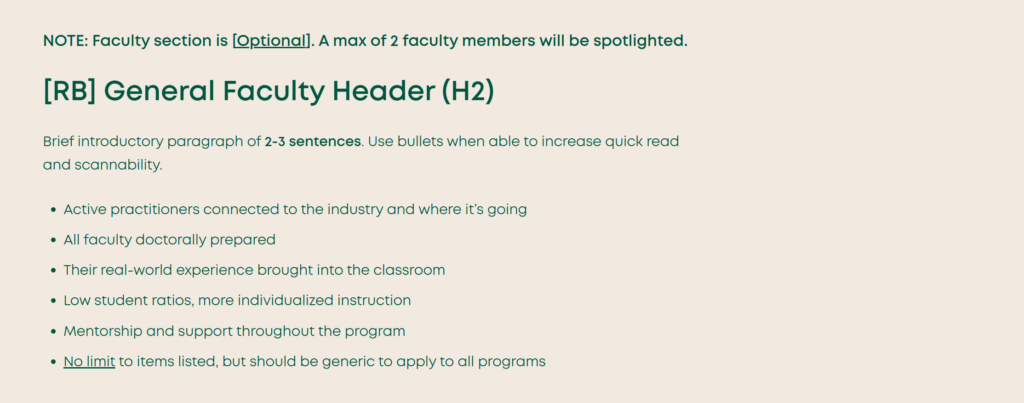
[RB] General Faculty Header (H2)
Brief introductory paragraph of 2-3 sentences. Use bullets when able to increase quick read and scannability.
- Active practitioners connected to the industry and where it’s going
- All faculty doctorally prepared
- Their real-world experience brought into the classroom
- Low student ratios, more individualized instruction
- Mentorship and support throughout the program
- No limit to items listed, but should be generic to apply to all programs
Visual Example
Explore more (Specializations)
Micro: Multi-Page: Specializations
[RB] [Optional] Explore More [Parent Program Name] [Specializations/Concentrations/Tracks,etc.]
2-3 sentences explaining that the are other unique specializations available for this program to customize your study. Please include mention of the general/traditional parent program and if the specializations/tracks are optional or required. Do not reference the # of specializations for the program in this copy.
NOTE: This block will be used across all Specialization Overview pages associated with a specific parent program. Example: RB for MBA Specialization Overviews and a different RB for MSCyber Specialization Overviews.
Visual Example
FAQs (standard)
Micro: Overviews: FAQs Intro (Copy)
NOTE: If FAQs are part of the site strategy (determined by SEO), this RB will be included and have the same wording, but in UK spelling, where applicable.
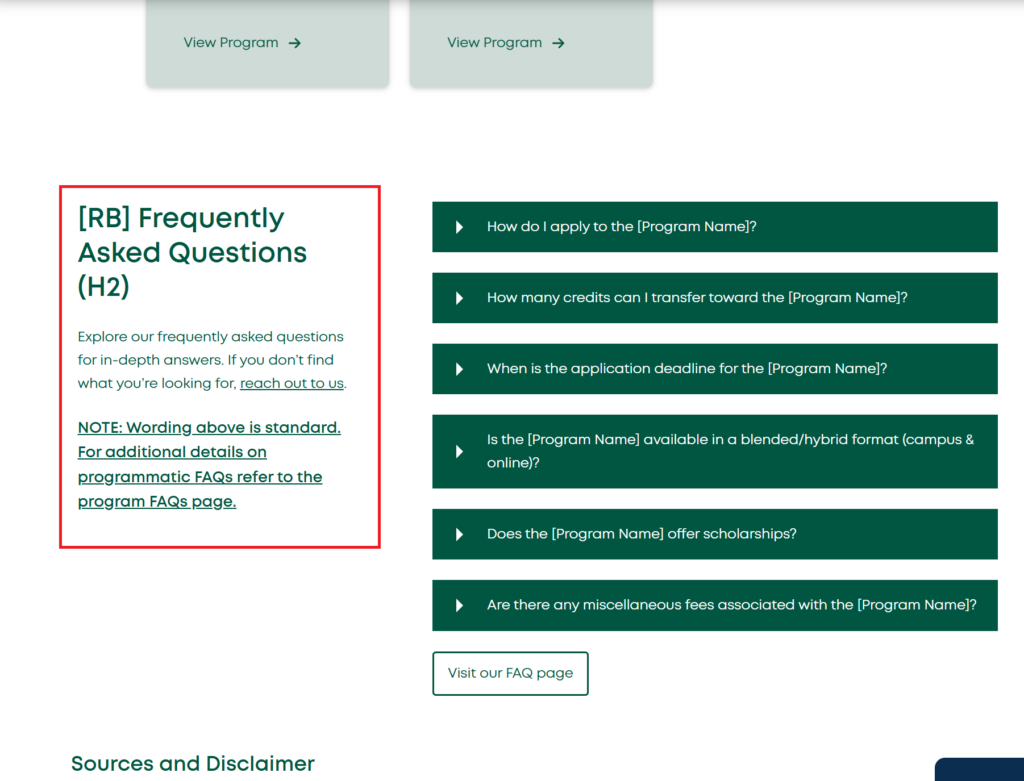
[RB] Frequently Asked Questions (H2)
Explore our frequently asked questions for in-depth answers. If you don’t find what you’re looking for, reach out to us.
NOTE: Wording above is standard. For additional details on programmatic FAQs refer to the program FAQs page.
Visual Example
Specialization curriculum copy
Specialization Overviews: Shared Curriculum Copy
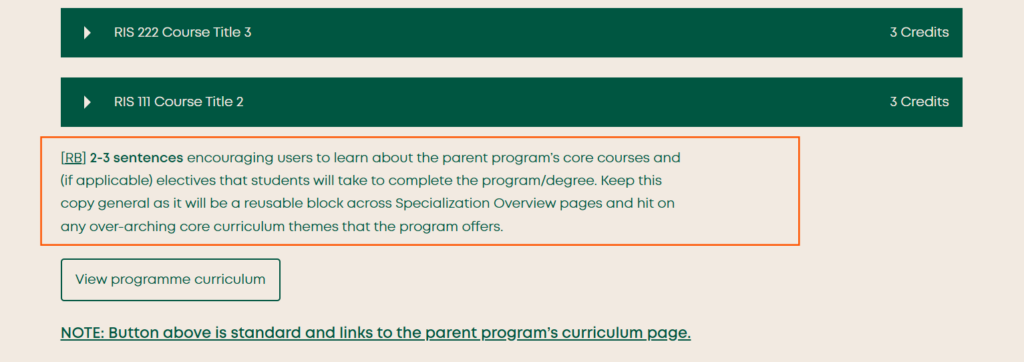
[RB] 2-3 sentences encouraging users to learn about the parent programme’s core courses and (if applicable) electives that students will take to complete the programme/degree. Keep this copy general as it will be a reusable block across Specialization Overview pages and hit on any over-arching core curriculum themes that the program offers.
Visual Example
Micro: Overviews: Rankings
Micro: Overviews: Rankings
This optional content is program-specific and will be on the overview pages.
[RB] [Optional] Program/Course-specific ranking & accreditation call-out header (H2)
1-2 sentences briefly introducing the institution’s accreditations and rankings, and what they signal to prospective students about program quality. Specific stats and achievements belong in the cards (and badges, if included) below, not here.
NOTE: IMM to provide accreditation language.
NOTE: Although content provided will be the same, below shows the possible display options depending on if there are badges available to include or not.
Please feature accreditation badges below this content and include any accreditations you’d like to feature within the content creation document.
NOTE: There will be a max of 6 facts below.
Flexible ranking
Flexible ranking
Flexible ranking
Flexible ranking
Flexible ranking
Flexible ranking

Visual Example
Brand Pages RBs
The following RBs are featured in various sections of the brand templates. Please follow the directions for content creation and visual references provided within each tab.
Return to JumplinksRankings (Brand)
Micro: Brand: Rankings (AUS)
This content appears on the Homepage and Online Student Experience page.
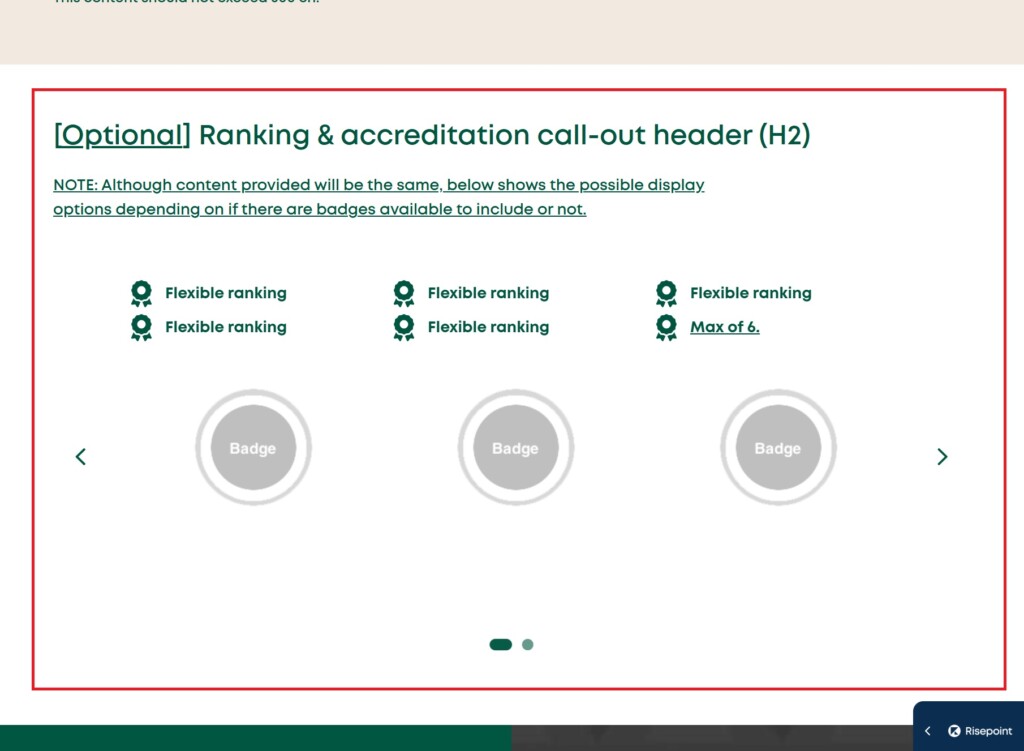
[RB] [Optional] Ranking & accreditation call-out header (H2)
1-2 sentences briefly introducing the institution’s accreditations and rankings, and what they signal to prospective students about program quality. Specific stats and achievements belong in the cards (and badges, if included) below, not here.
NOTE: IMM to provide accreditation language.
NOTE: Although content provided will be the same, below shows the possible display options depending on if there are badges available to include or not.
Flexible ranking
Flexible ranking
Flexible ranking
Flexible ranking
Flexible ranking
Max of 6.
Visual Example
Fees & funding (Brand)
Micro: Brand: Fees & Support CTA
This content appears on the brand Admissions page.
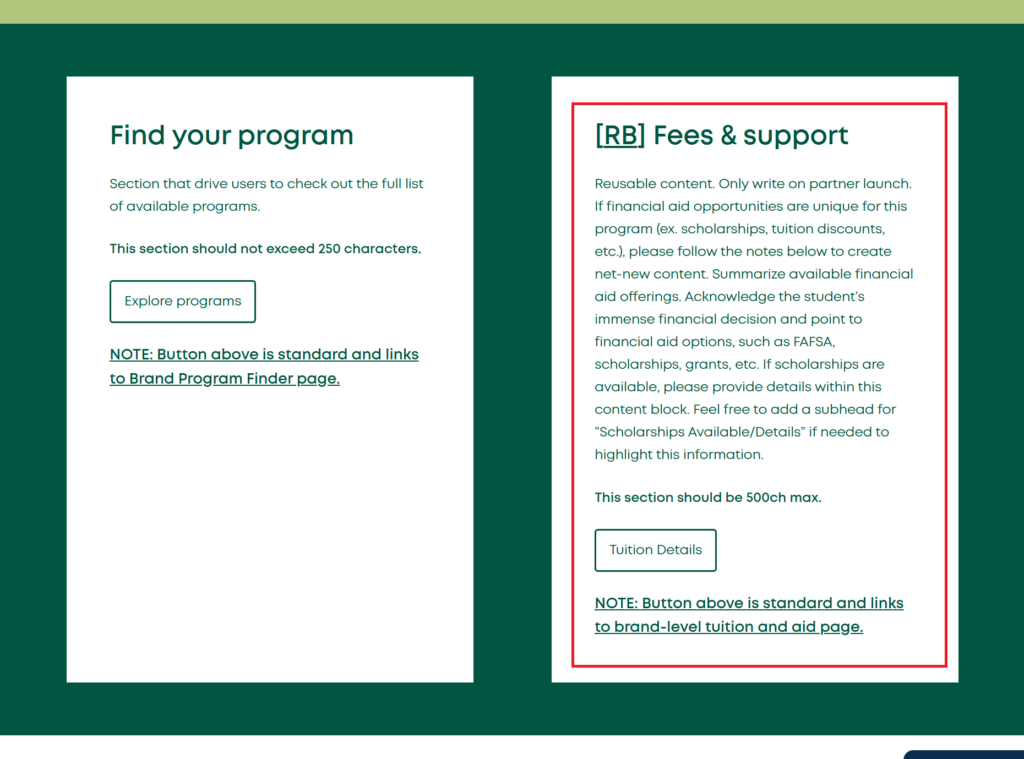
[RB] Fees & support
Reusable content. Only write on partner launch. If financial aid opportunities are unique for this program (ex. scholarships, tuition discounts, etc.), please follow the notes below to create net-new content. Summarize available financial aid offerings. Acknowledge the student’s immense financial decision and point to financial aid options, such as scholarships, grants, etc. If scholarships are available, please provide details within this content block. Feel free to add a subhead for “Scholarships Available/Details” if needed to highlight this information.
This section should not exceed 500 characters.
Fees & support detailsNOTE: Button above is standard and links to brand-level tuition and aid page.
Visual Example
FAQs
Micro: Brand: FAQs Intro (Copy)
NOTE: If FAQs are part of the site strategy (determined by SEO), this RB will be included and have the same wording, but in UK spelling, where applicable.
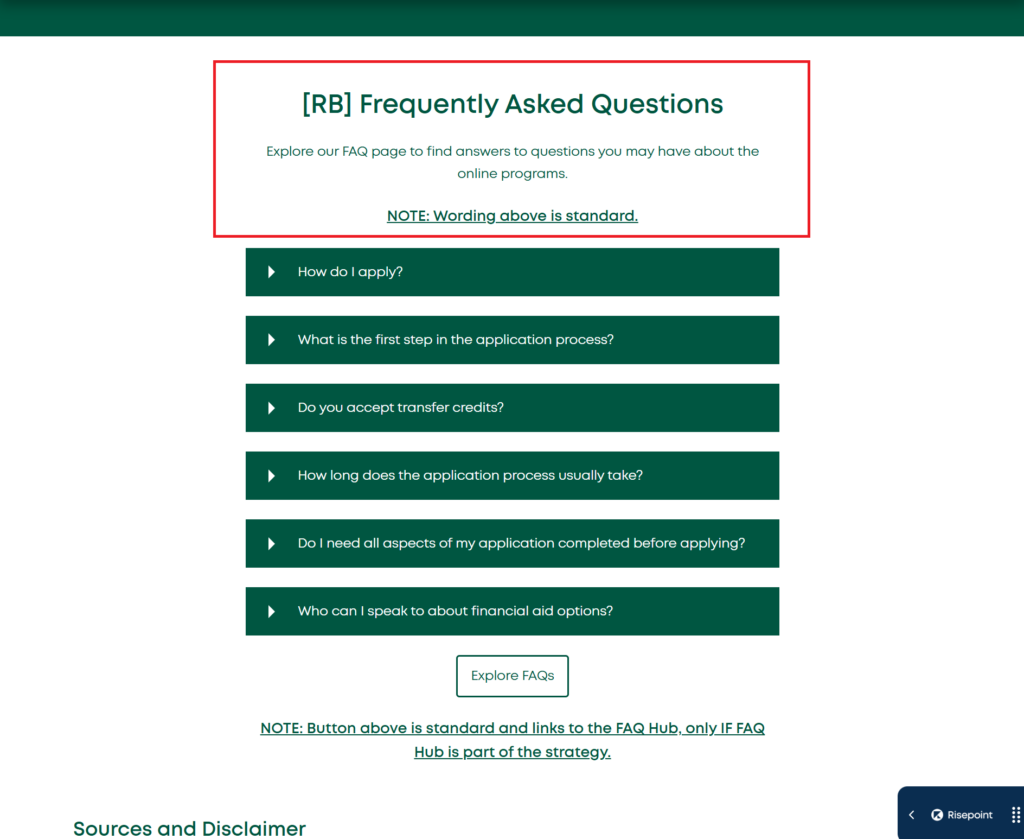
[RB] Frequently Asked Questions
Explore our FAQ page to find answers to questions you may have about the online programs.
NOTE: Wording above is standard.
Visual Example
Admissions Info RBs
The following RBs are featured in various sections of the program page templates (i.e., program overview, program admissions, etc.). Please follow the directions for content creation and visual references provided within each tab.
Return to JumplinksApply By/Start Dates
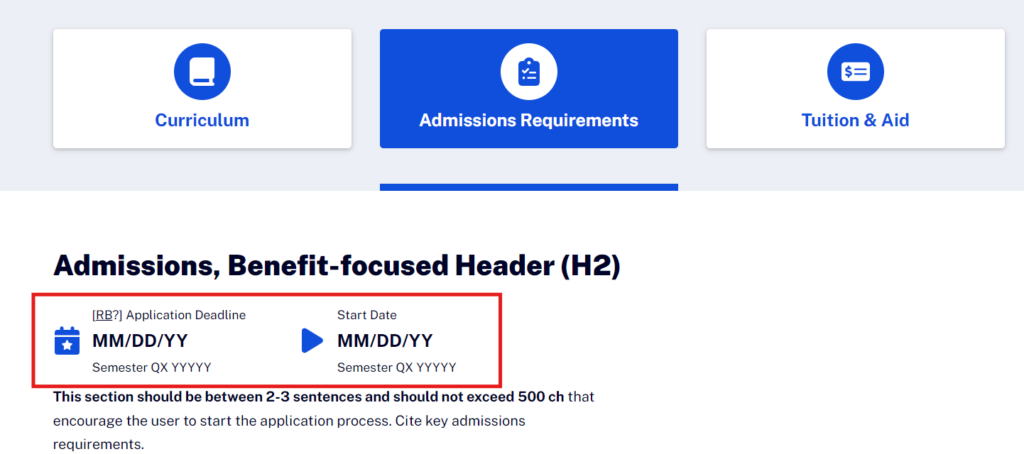
NOTE: Icon facts are standard and should not change. If the content differs from the reusable key admission dates block(s) due to program and/or partner needs, RB can be broken and updated, as necessary–Just let CAT know. This RB will have the same wording, but in UK spelling, where applicable.
Micro: Overviews: Apply By/Start Date Pipe List & Micro: Multi-Page: Admission Date Facts
- Apply by: DD Month YYYY
- Start date: DD Month YYYY
[Possible RB] Application deadline DD Month YYYY Semester QX YYYYY
Start date DD Month YYYY Semester QX YYYYY
Visual Example
Entry Requirements Table
Entry Requirements Table
If there are multiple programs across a degree level or area of study, or certificates, that have the same entry requirements, feel free to utilize this area to place those requirements and indicate [REUSABLE BLOCK – PROGRAM ENTRY REQUIREMENTS] in the Word document.
NOTE: If there are multiple degree levels (ex. undergraduate programs, graduate programs, certificate programs) that all require the same requirements please place both tables within this area of the Word document but label what degree level or group of programs the requirements table applies to.
- Ex. Undergraduate entry requirements
- Programs: program 1, program 2, program 3, etc.
This RB will have the same wording, but in AUS spelling, where applicable.
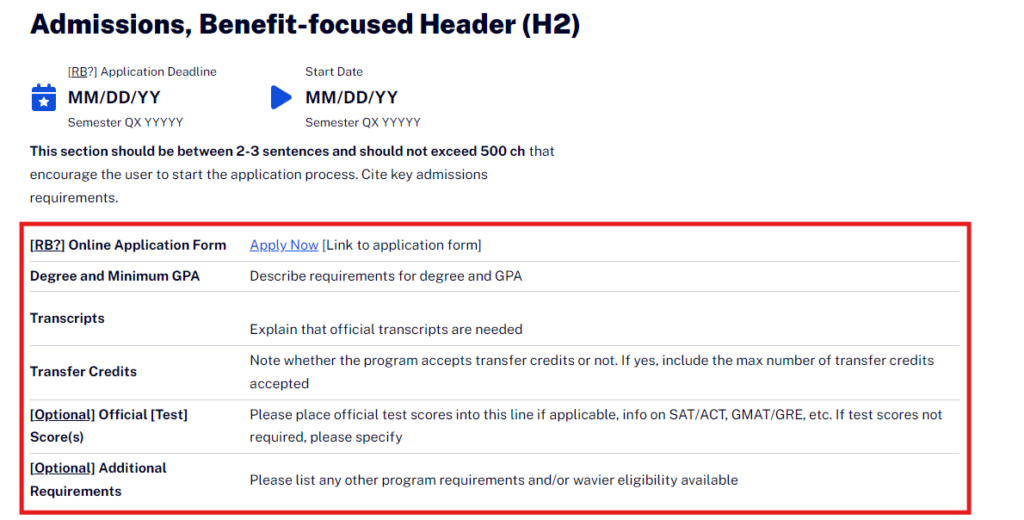
| [RB?] Online Application Form | Apply Now [Link to application form] |
|---|---|
| Degree and Minimum GPA | Describe requirements for degree and GPA |
| Transcripts | Explain that official transcripts are needed |
| Transfer Credits | Note whether the program accepts transfer credits or not. If yes, include the max number of transfer credits accepted |
| [Optional] Official [Test] Score(s) | Please place official test scores into this line if applicable, info on SAT/ACT, GMAT/GRE, etc. If test scores not required, please specify |
| [Optional] Additional Requirements | Please list any other program requirements and/or wavier eligibility available |
Visual Example
Micro: Program Admissions: Entry Criteria CTA
Micro: Program Admissions: Entry Criteria CTA
[RB] Entry Requirements Hub CTA Header (H2, 75ch)
This section should provide a high-level overview of the admissions process for the school. Encourage students to apply now, or learn more about the process and speak with an enrollment/admissions counselor by calling (include phone number) or exploring the admissions hub.
This section should be a max of 300 characters.
NOTE: Button below is standard and links to the brand admission hub.
Entry requirements detailsVisual Example
Admissions Hub (H4)
Micro: Overviews: Admissions Hub
[RB] Admission Hub Header (H4)
This section should provide a high-level overview of the admissions process for the school. Encourage students to apply now, or learn more about the process and speak with an enrollment/admissions counselor by calling (include phone number) or exploring the admissions hub.
This section should be between 3-4 sentences.
Visual Example
Tuition Info RBs
The following RBs are featured in various sections of the program page templates (i.e., program overview, program tuition, etc.). Please follow the directions for content creation and visual references provided within each tab.
Return to JumplinksFees & Support CTA (H2)
Fees & Support CTA (H2)
This content appears on the Fees subpage of the Traditional program overview page.
[RB] Fees & support CTA header (H2)
Reusable content. Only write on partner launch. If financial aid opportunities are unique for this program (ex. scholarships, tuition discounts, etc.), please follow the notes below to create net-new content. Summarize available financial aid offerings. Acknowledge the student’s immense financial decision and point to financial aid options, such as FAFSA, scholarships, grants, etc. If scholarships are available, please provide details within this content block. Feel free to add a subhead for “Scholarships Available/Details” if needed to highlight this information.
This section should be between 3-4 sentences.
Funding detailsNOTE: Button above is standard and links to brand-level tuition and aid page.
Visual Example
Micro: Overviews: Discounts
Micro: Overviews: Discounts
This content appears below the tuition table within the tuition tab of the LTO-Standard program overview page.
[RB] [Optional] Discounts (ex., Early bird, refer a friend, alumni, and group discounts) (H3, 60ch)
This is a reusable content block that should briefly highlight tuition discounts that are available to the applicant. If terms and conditions apply, please include brief information about this.
This section should be around 1 sentence, 150 ch.
Visual Example
Micro: Overviews: Scholarships
Micro: Overviews: Scholarships
This content appears below the tuition table within the tuition tab of the LTO-Standard program overview page.
[RB] [Optional] Scholarships (H4, 60ch)
This is a reusable content block that should briefly highlight available scholarships to the applicant.
This section should be around 1 sentence, 150 ch.
Visual Example
Certificate Overviews: Tuition Section
Certificate Overviews: Tuition Section
This content appears at the top of the Tuition section of the Certificate Overview pages.
[RB] $### Cost per unit/credit points
## Total units/credit points